Why proper network management matters
On a vessel, crew internet, operational systems, and monitoring equipment share the same connectivity link. Without network management, traffic could be wasted and data costs rise. Network management brings connectivity under control and strengthens protection against cyber threats and their consequences.
Key capabilities
Wi-Fi User Management
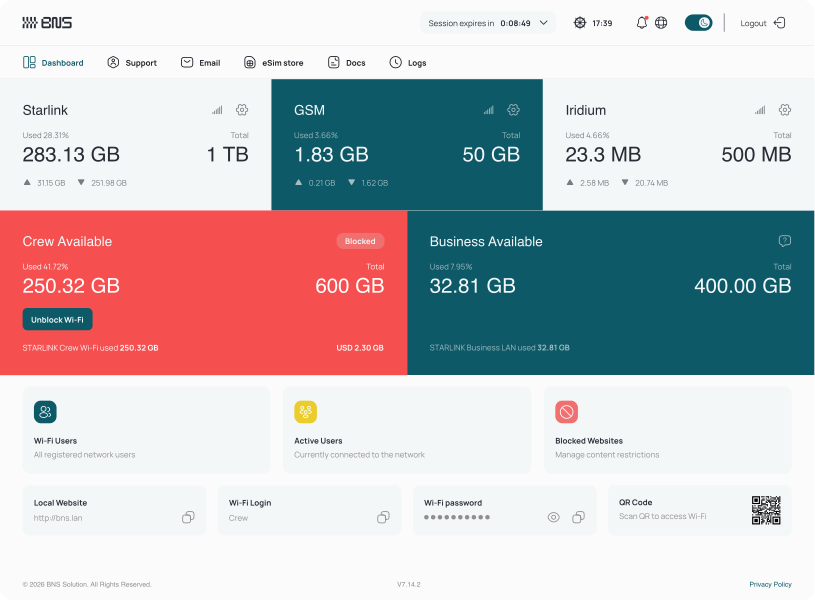
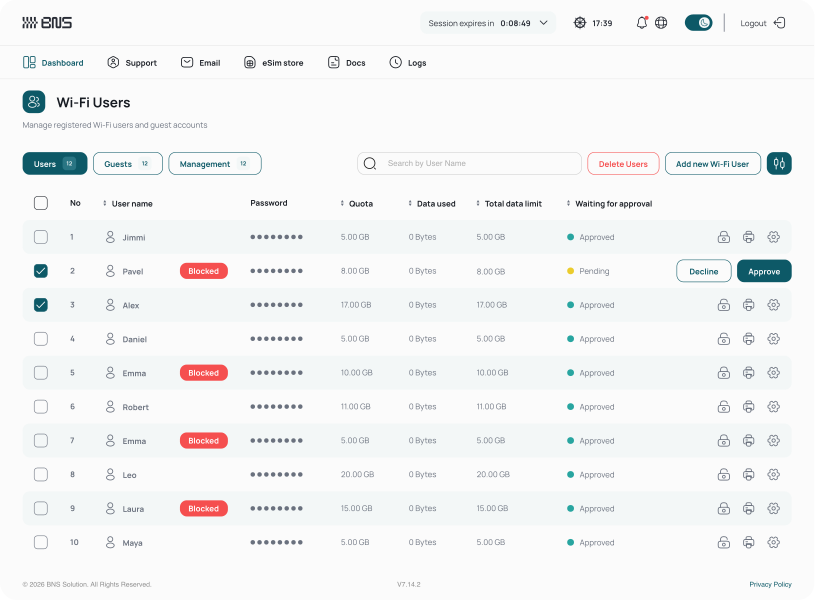
Every Wi-Fi user is managed as a separate account with its own quota, credentials, and usage history. Captains can add, approve, or block crew accounts directly from the onboard interface.
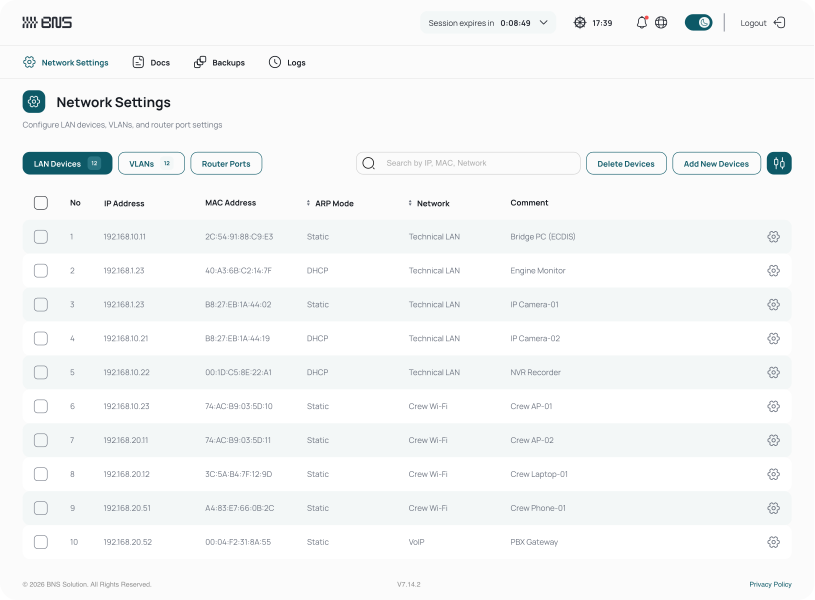
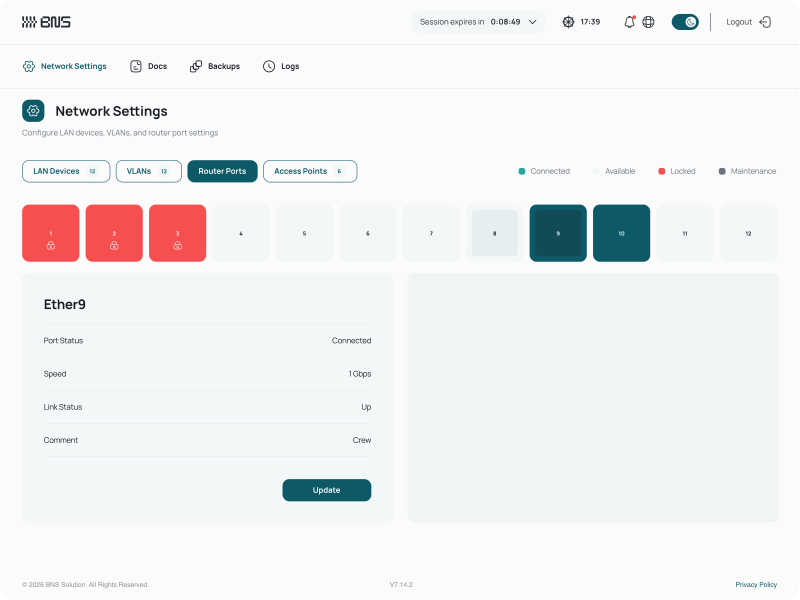
Network & VLAN Management
The onboard network can be segmented into isolated zones, each with its own subnet, bandwidth policy, and security rules. IT teams could configure VLANs and access policies remotely, with no command-line work or vessel visits.
Multi-WAN Failover
Multi-WAN Failover keeps the vessel on its highest-priority connectivity source and switches automatically when a connection drops or becomes unstable. Captains and IT teams can also select the active link directly from the onboard interface.
Content Filtering
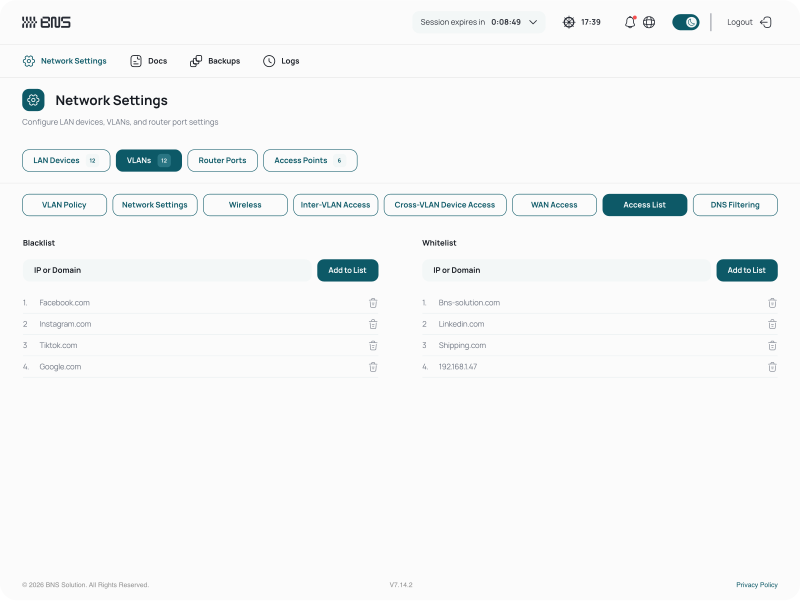
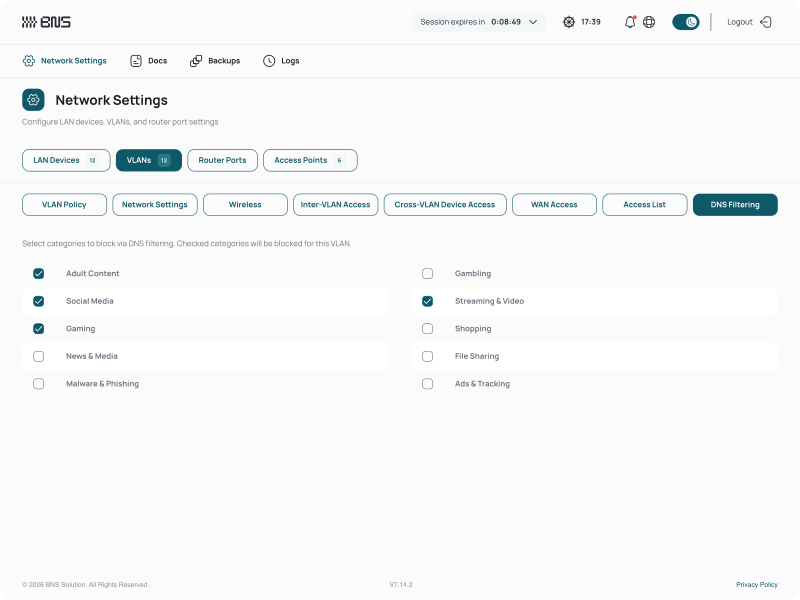
Internet usage can be filtered by category per network zone, across twelve categories. Custom blacklists and whitelists apply per zone, with specific sites or IPs blocked vessel-wide.
Additional platform capabilities
Connection Status Monitoring
Every WAN source is monitored in real time, with upload, download, and total usage tracked per connection to show link performance.
Bandwidth & QoS Control
Traffic is prioritised and separated per zone, so crew usage does not reduce the bandwidth available to operational systems.
Role-Based Access
IT Engineers, Office managers, and crew each work in an interface matched to their role and access rights.
Encrypted VPN Tunnel
Each vessel keeps an encrypted connection to shore for remote management and fleet-wide policy updates, with no vessel visit.
System Logs & Diagnostics
Detailed system logs record network activity for audit and troubleshooting, so engineers can run remote diagnostics without a vessel visit.
Local-First Architecture
The solution runs on the onboard hardware, independently of the cloud, keeping network control available with no traffic spent on synchronisation.
Specifications
Powering
Interfaces
Who it is designed for
BNS Pro is designed for mid-size and larger vessels requiring a full-scale network management solution. It suits operators who run separate operational and crew networks, enforce distinct IT policies per site, and need detailed traffic control, advanced network segmentation, and full fleet visibility from shore.
BNS office
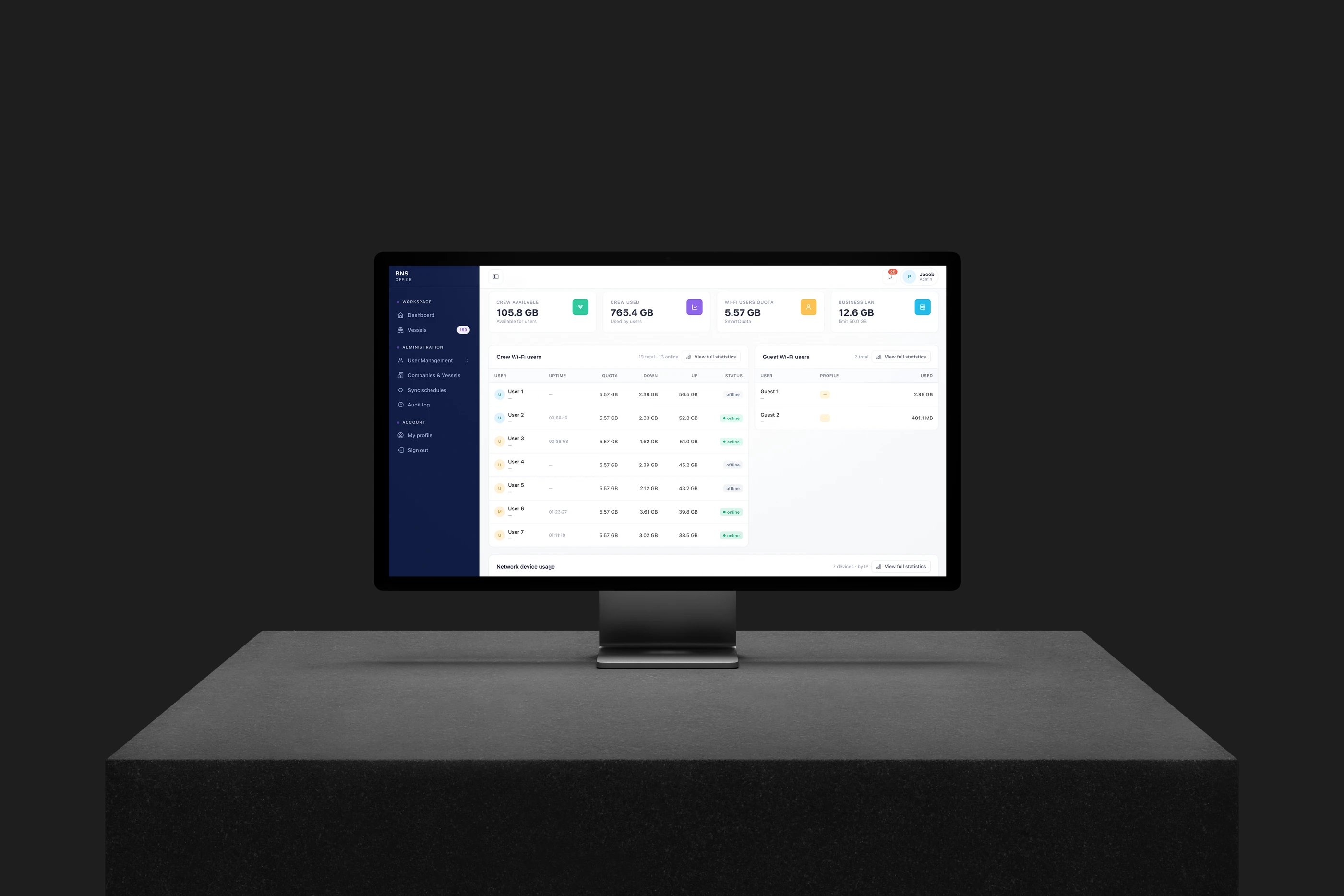
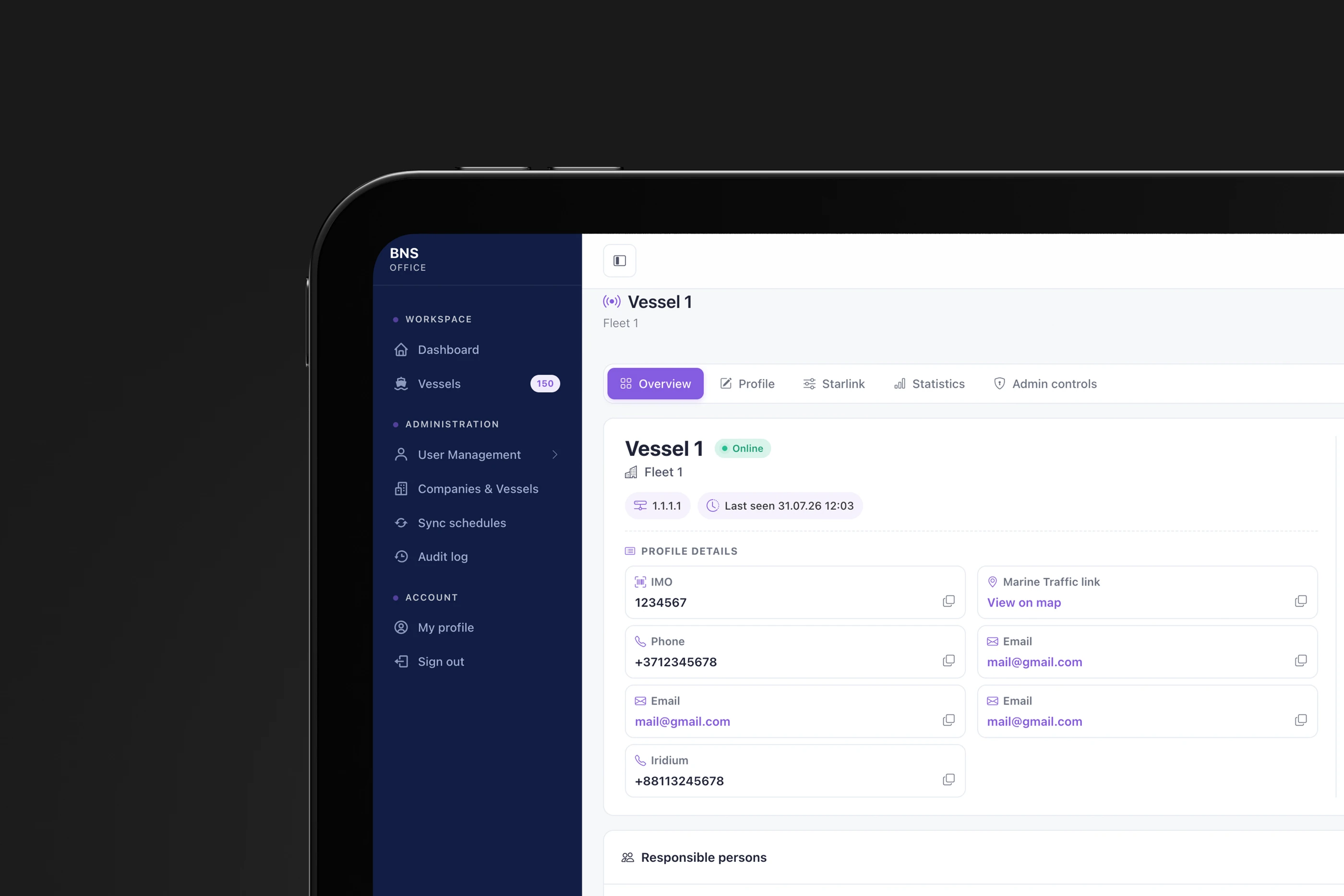
A shore-side platform for management teams overseeing fleet connectivity. Managers can view vessel status and location, monitor connected Wi-Fi users and devices, track traffic consumption across the fleet, and export data sales reports in XML format for accounting and audit purposes.
Real-time connectivity status and link performance across all managed vessels
Fleet-wide policy management and configuration updates from shore
Crew and devices overview with usage data and notifications
Traffic consumption tracked per vessel and across the entire fleet

Crew web app
A mobile web application that opens automatically when a crew member connects to the vessel's Wi-Fi, giving each user direct control over their own internet access with no installation required. Crew can manage vessel data plans, apply automatic scheduling and daily quota distribution, purchase top-ups, and track usage through a personal Reports and Invoices section.
View current data usage and remaining quota in real time
Purchase additional data directly from the web app
Manage personal connection settings and preferences
Personal crew credentials they can change themselves
Support
A shore-side technical management platform that provides IT and support teams with full remote access to every vessel's network. From a single portal, technicians can monitor real-time system status, configure WAN connections and failover behaviour, manage VLANs and network devices, review traffic and Wi-Fi usage reports, and access the onboard router directly for advanced troubleshooting.
24/7 access to BNS network engineers for technical support
Remote diagnostics and troubleshooting without vessel visits
Priority handling of system-critical issues
Traffic usage visibility across operational systems and crew
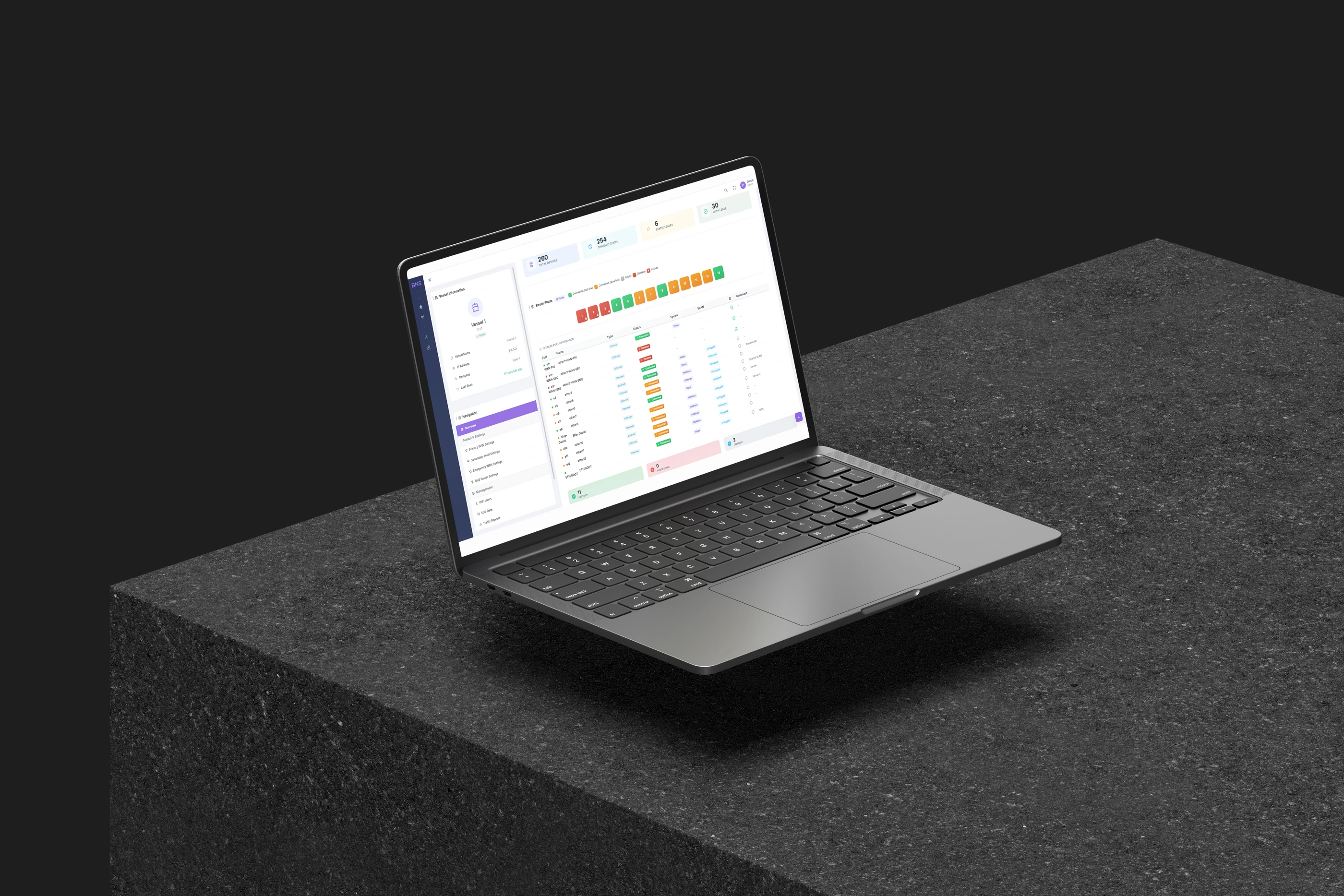
Ready to see BNS Pro in action?
Talk to the BNS Solution team to arrange a demo and walk through the platform's full capabilities.
Contact Us